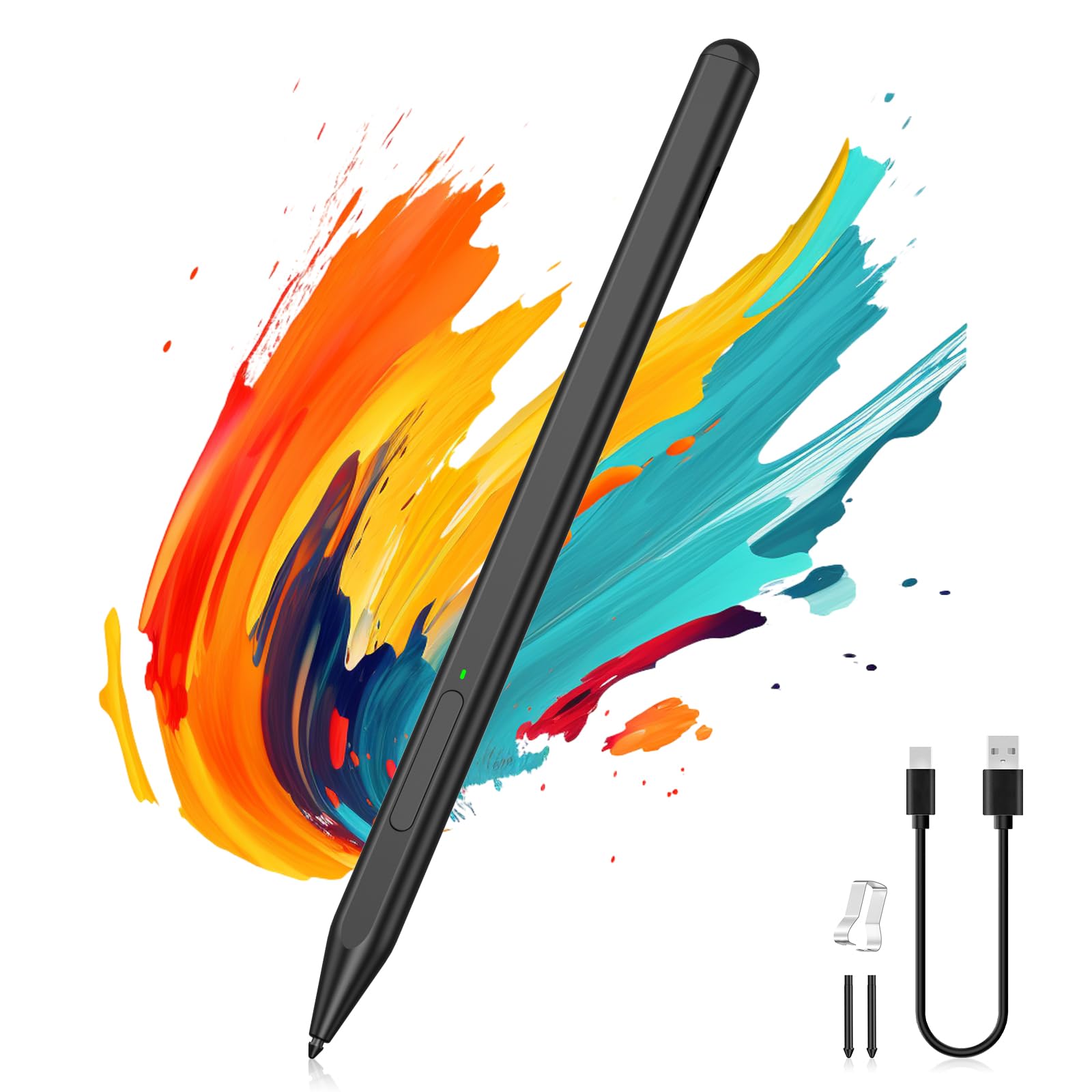
MoKo Microsoft Stylus Pen,Surface Pen for Microsoft Surface Pro 12/11/10/9/8/X/7+/6/5/4/Go 4/3/2/1/Laptop/Studio/Book,Magnetic Adsorption, Palm Rejection Stylus Pen
$29.99 USD
Quantity
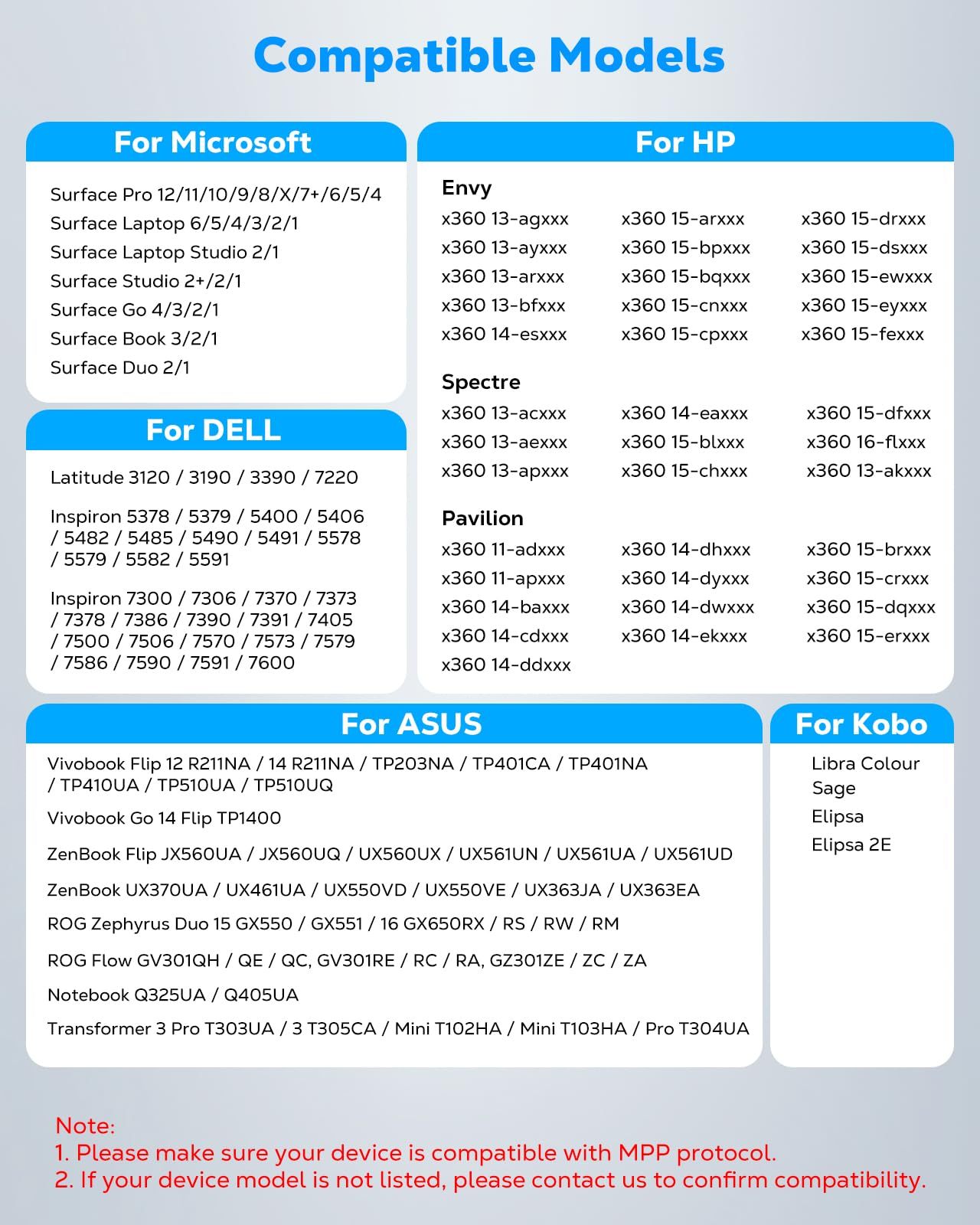
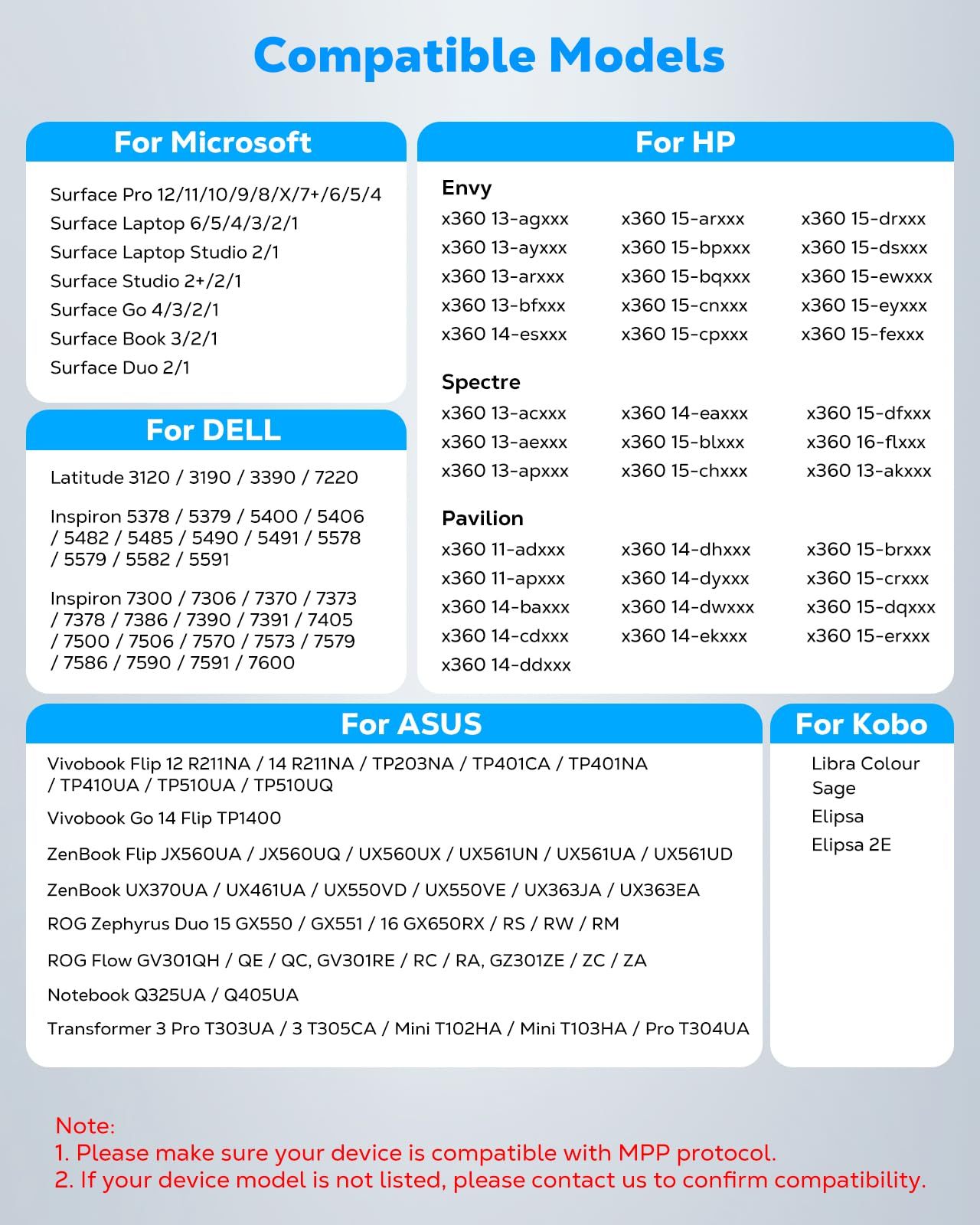
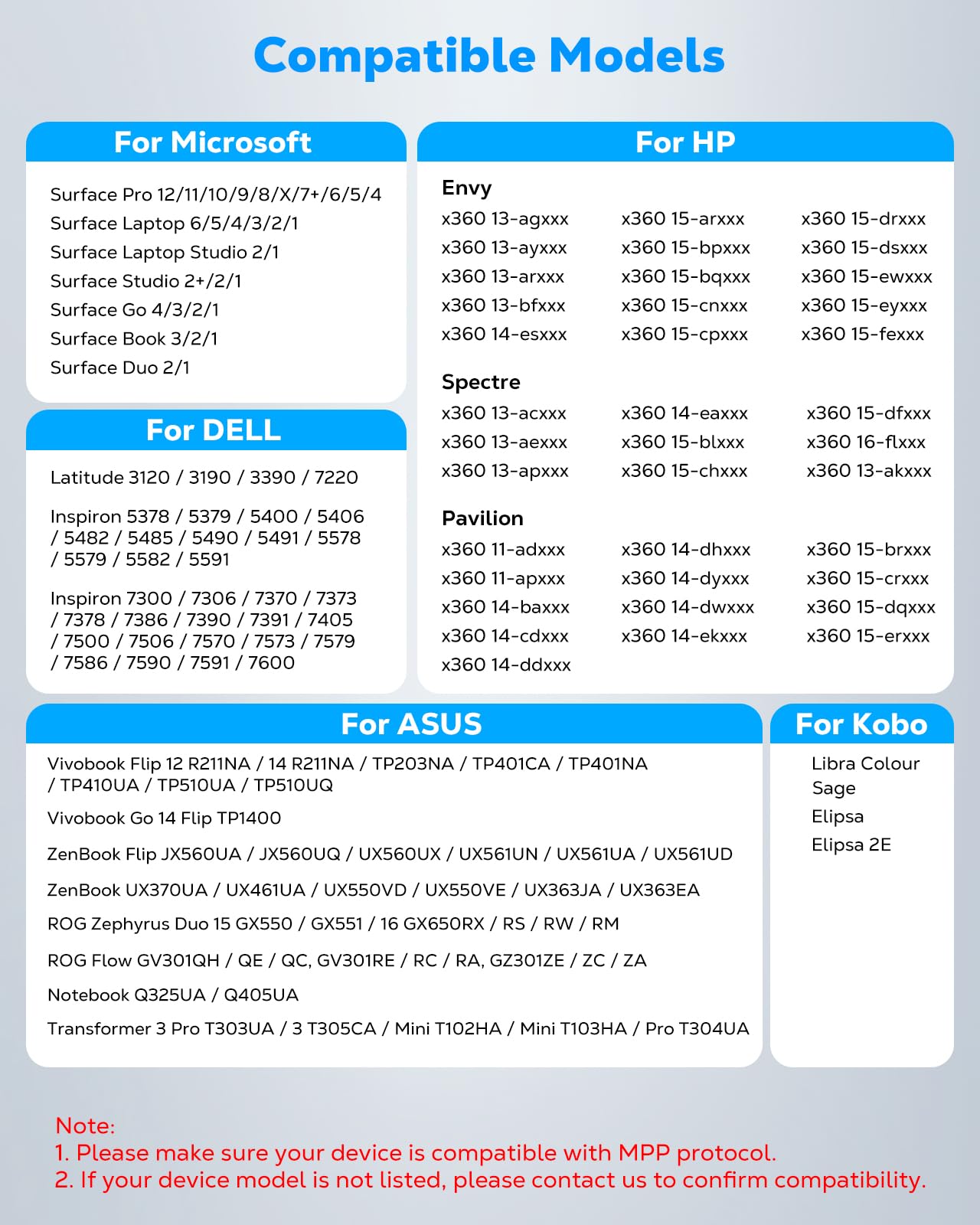
Compatibility: Our Surface pen supports up to the MPP1.51 protocol and works with most Microsoft Surface devices, as well as select models from HP, ASUS, Dell, Acer, and Kobo. [Surface Model List]✔ Surface Pro 12/Pro 11/Pro 10/Pro 9/Pro 8/Pro X/Pro 7+/Pro 6/Pro 5/Pro 4, ✔Surface Go 4/3/2/1, Surface Laptop 6/5/4/3/2/1/Studio 2/Studio, ✔Surface Book 3/2/1, ✔Kobo Libra Colour, Kobo Sage, Kobo Elipsa, Kobo Elipsa 2E eReaders
NOT COMPATIBLE WITH: Surface Laptop Go/Laptop Go 2/Laptop Go 3/Laptop SE/Surface Hub 2s/Surface Laptop 7
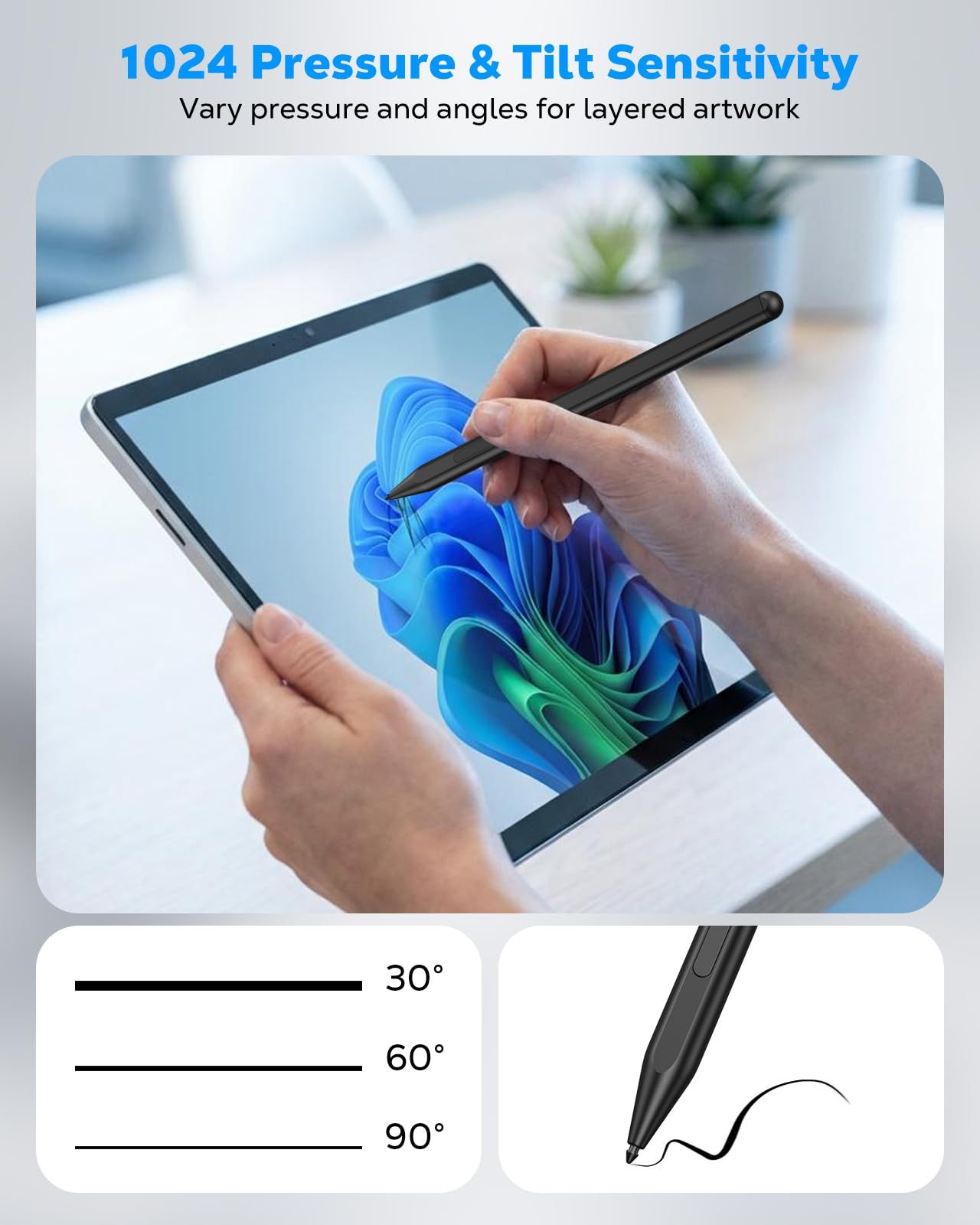
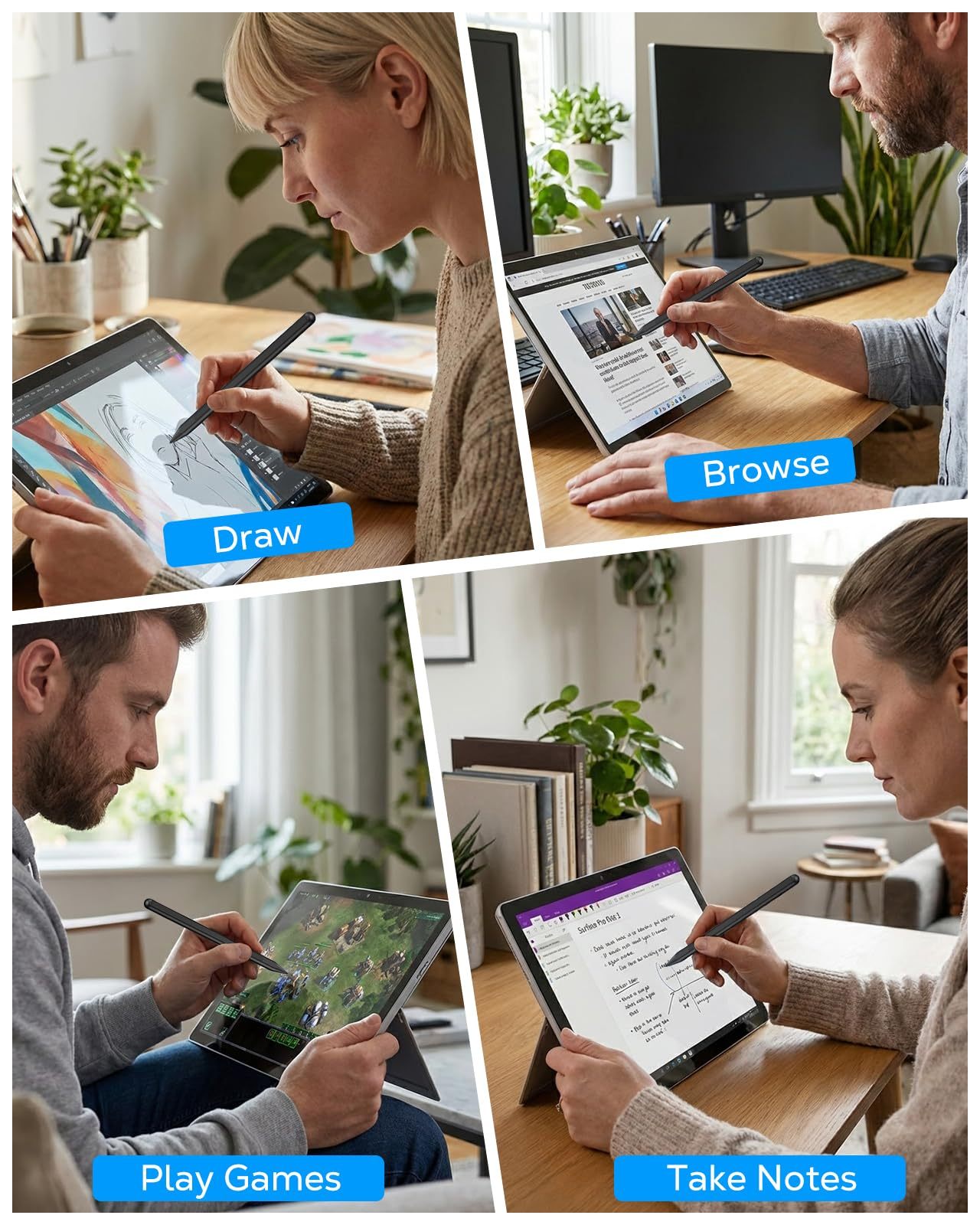
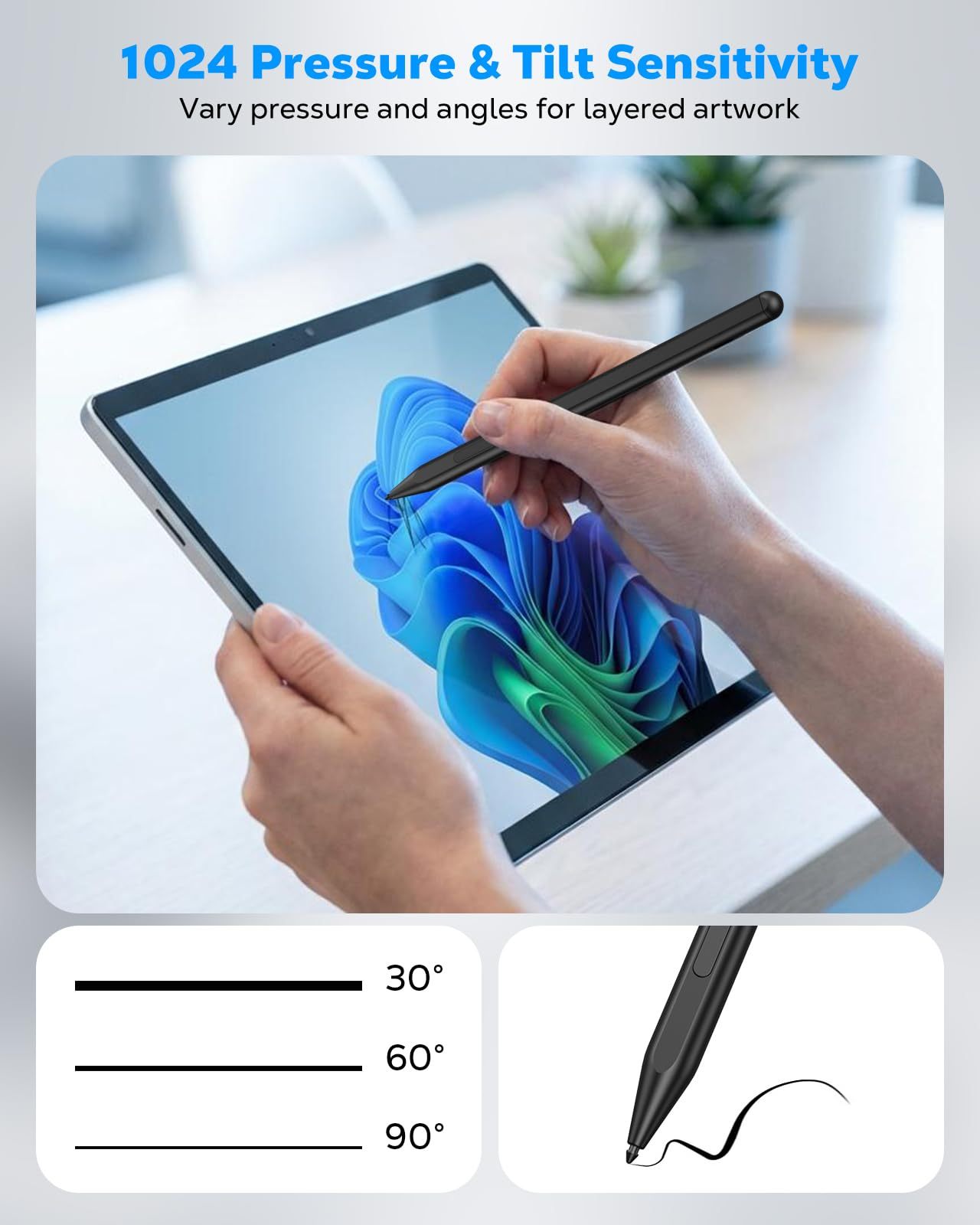
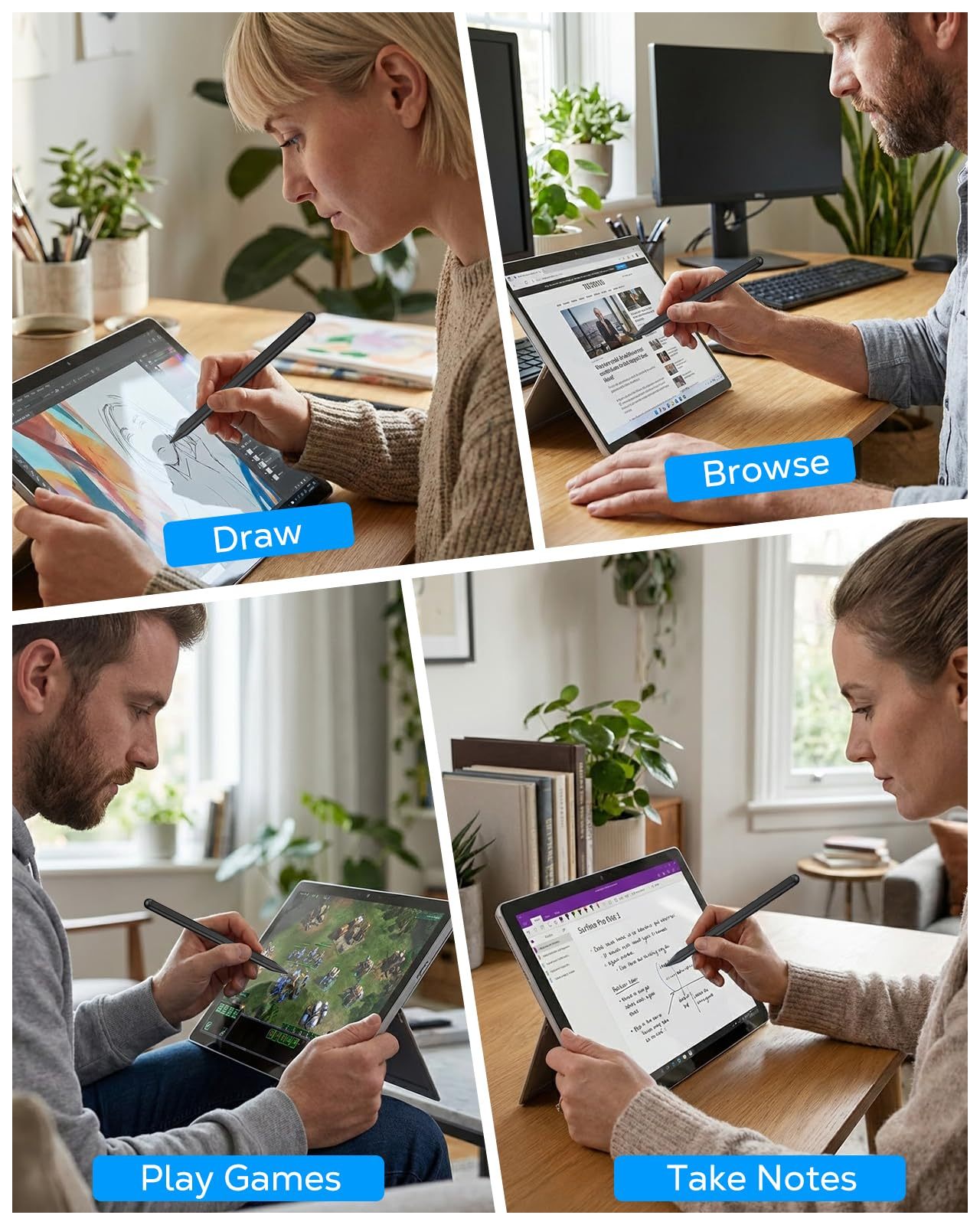
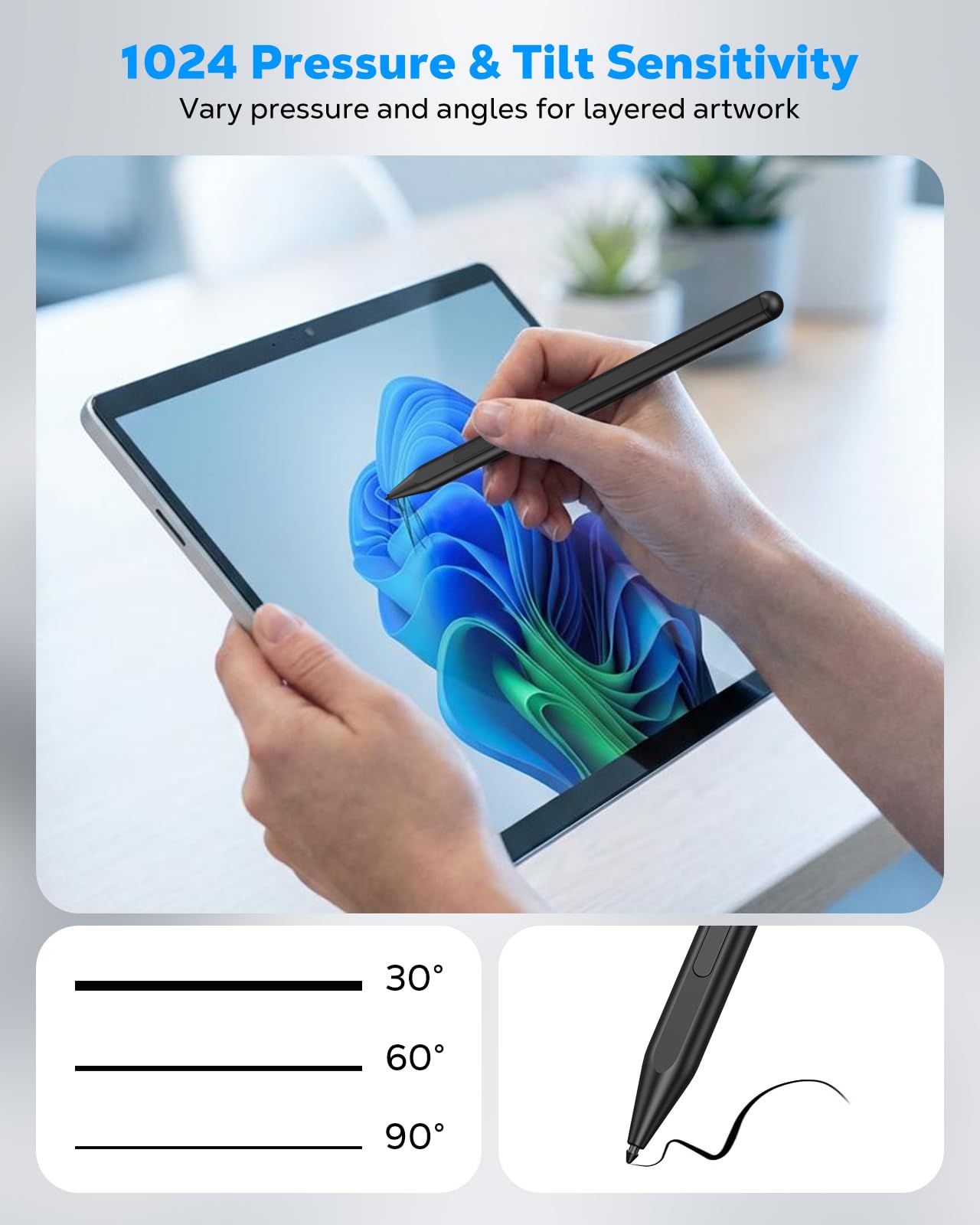
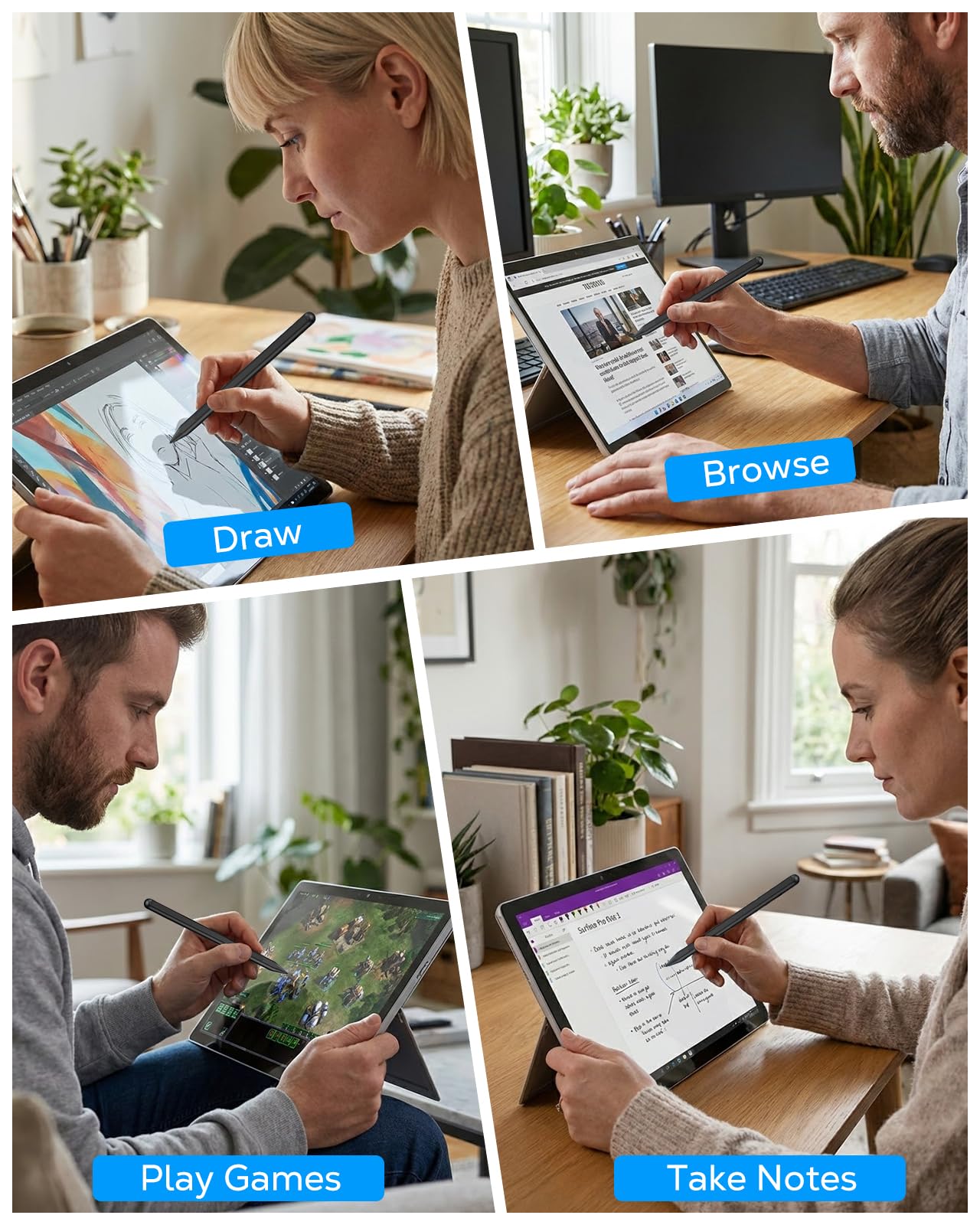
Pressure Sensitivity & Tilt Support: The Microsoft Surface pen features 1024 levels of pressure sensitivity and tilt recognition. With 1024 pressure points, it can capture variations in writing force, easily meeting daily needs for writing and drawing. When you tilt the pen at different angles, the lines naturally become thicker or thinner, adding greater expressiveness to your artwork
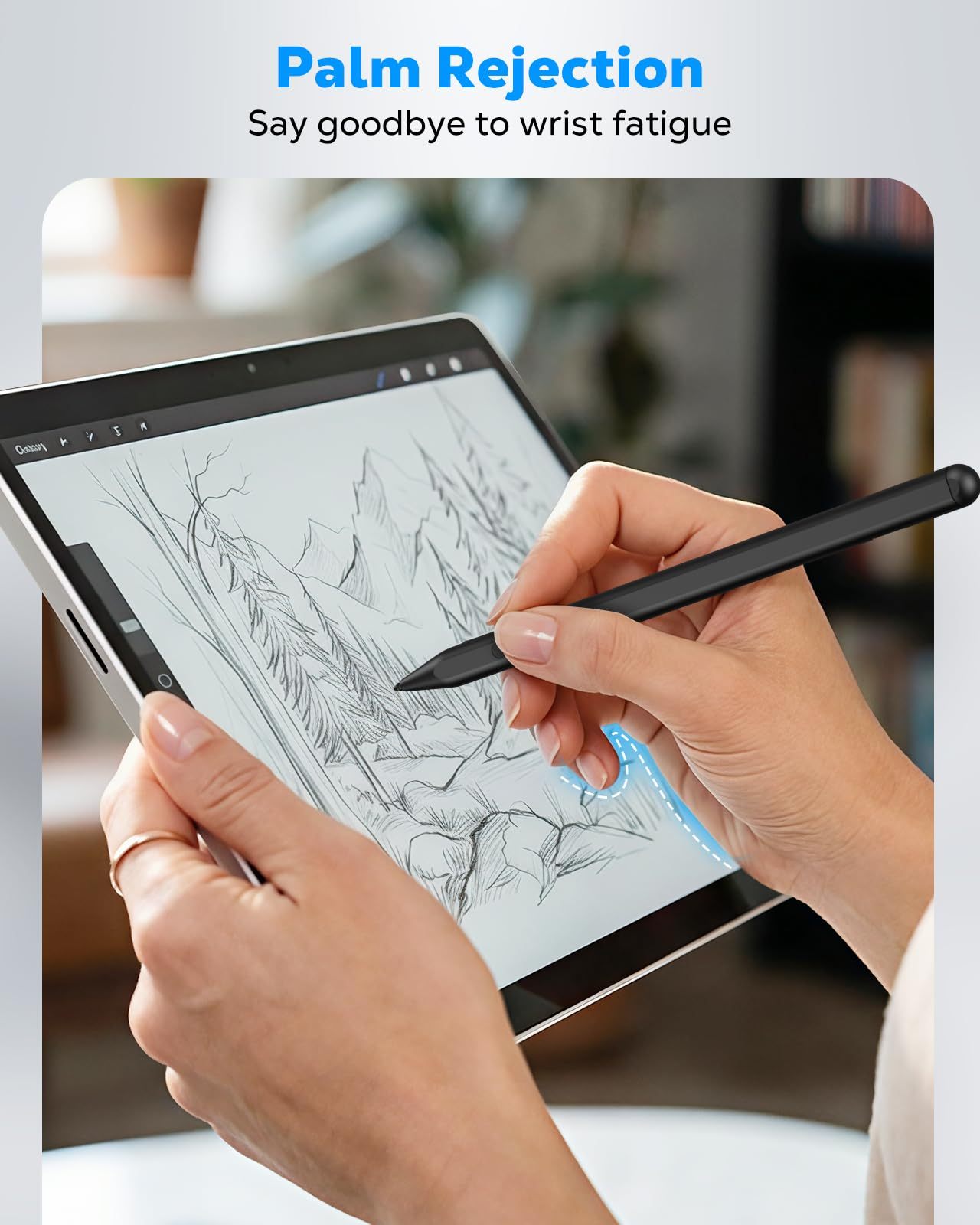
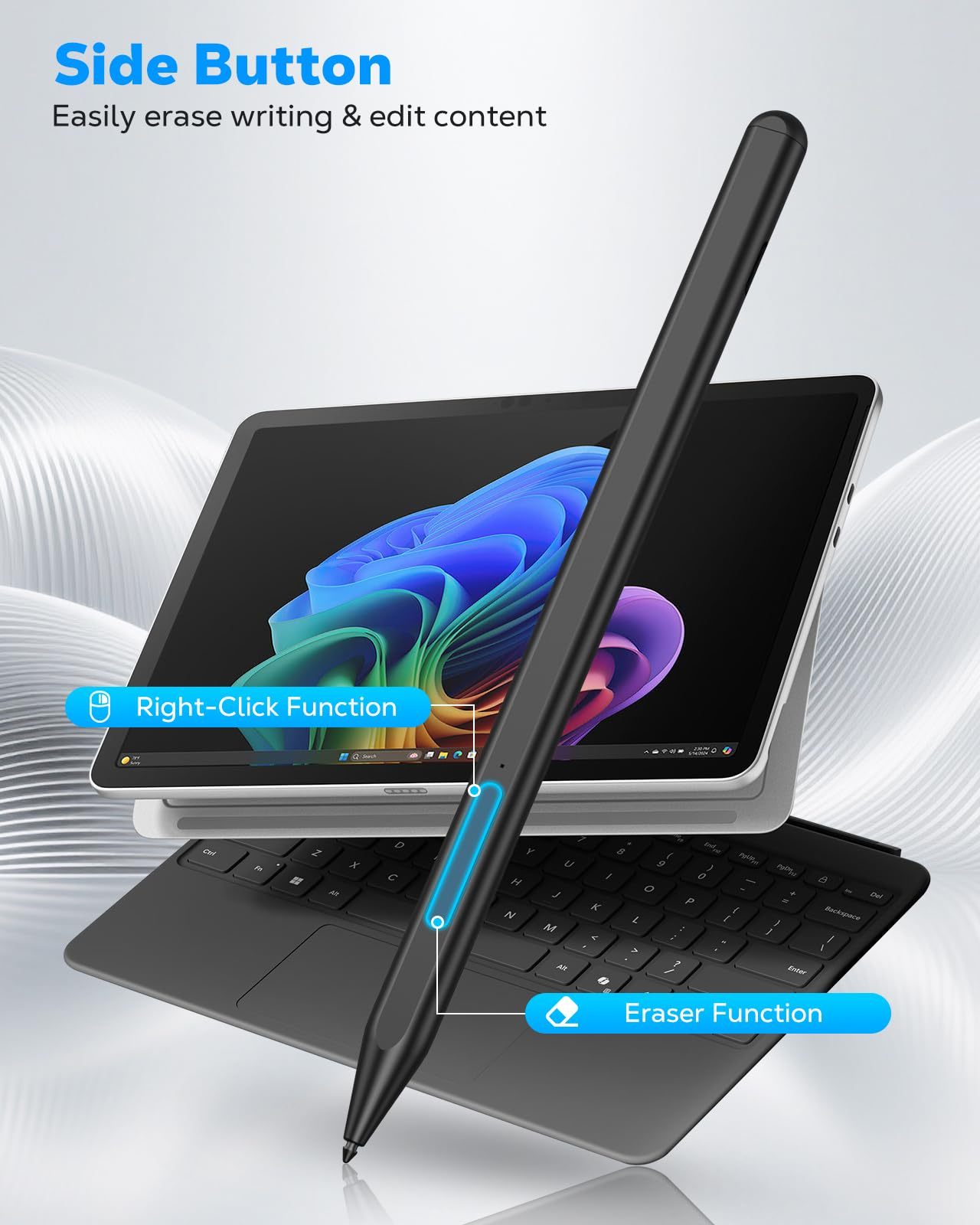
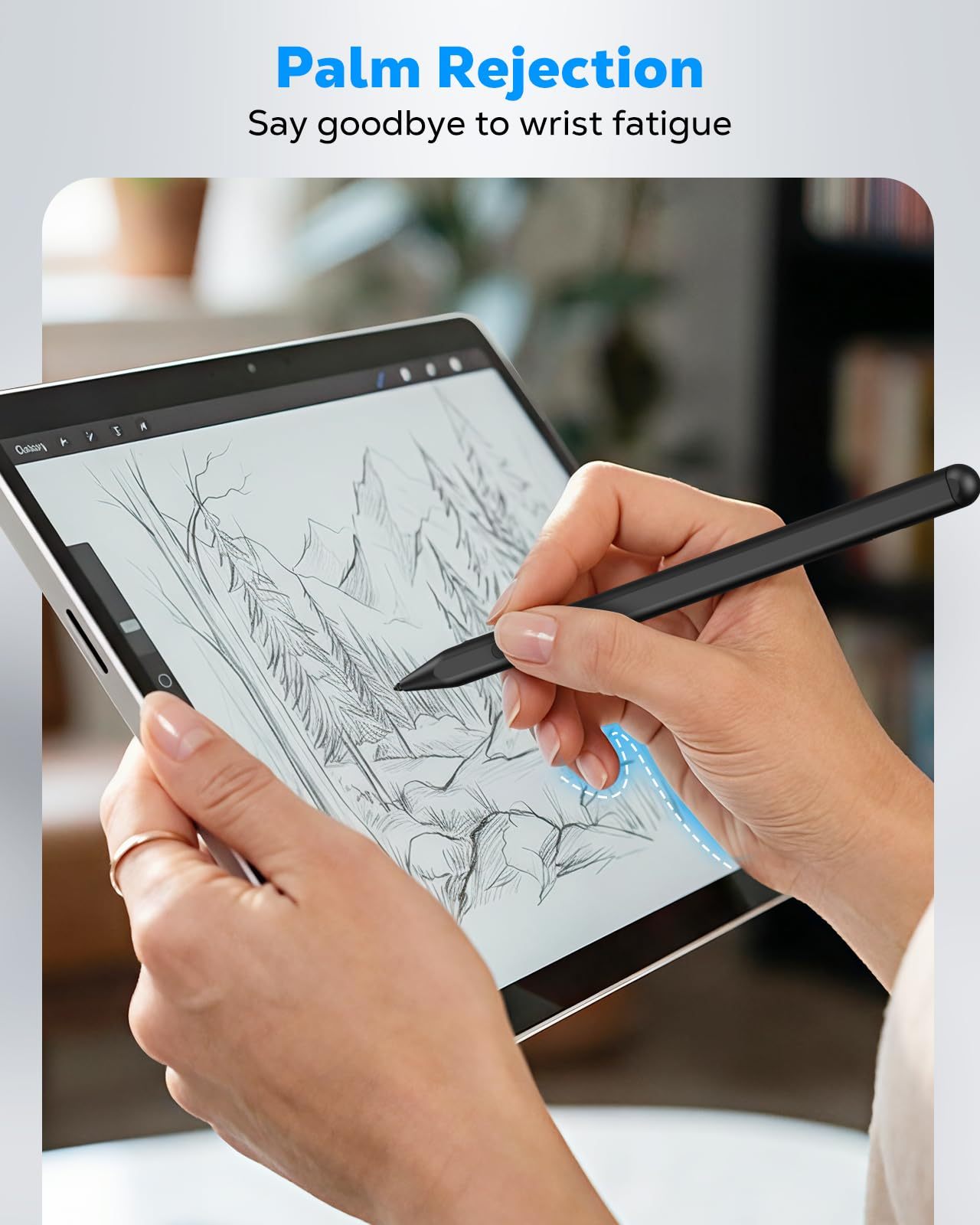
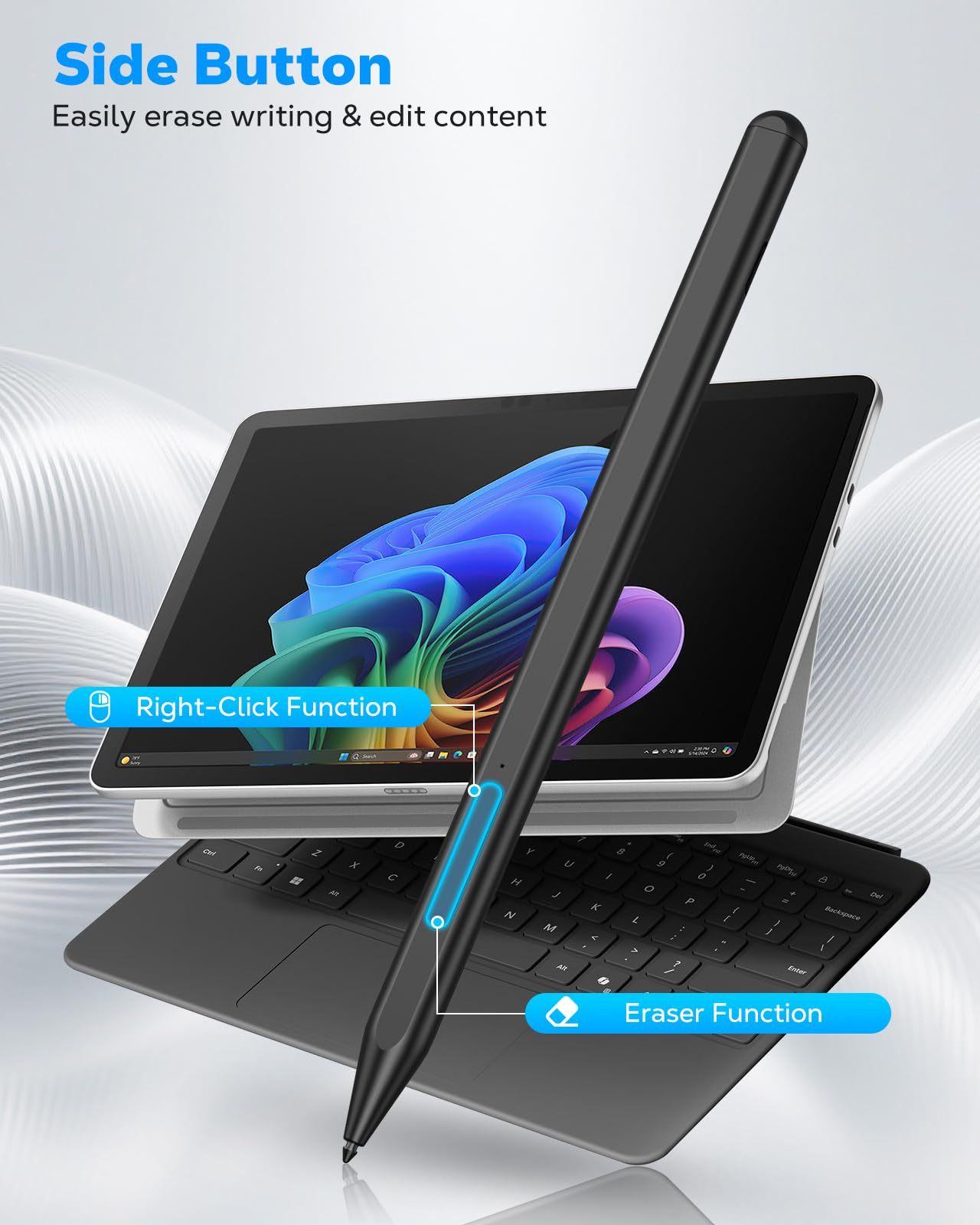
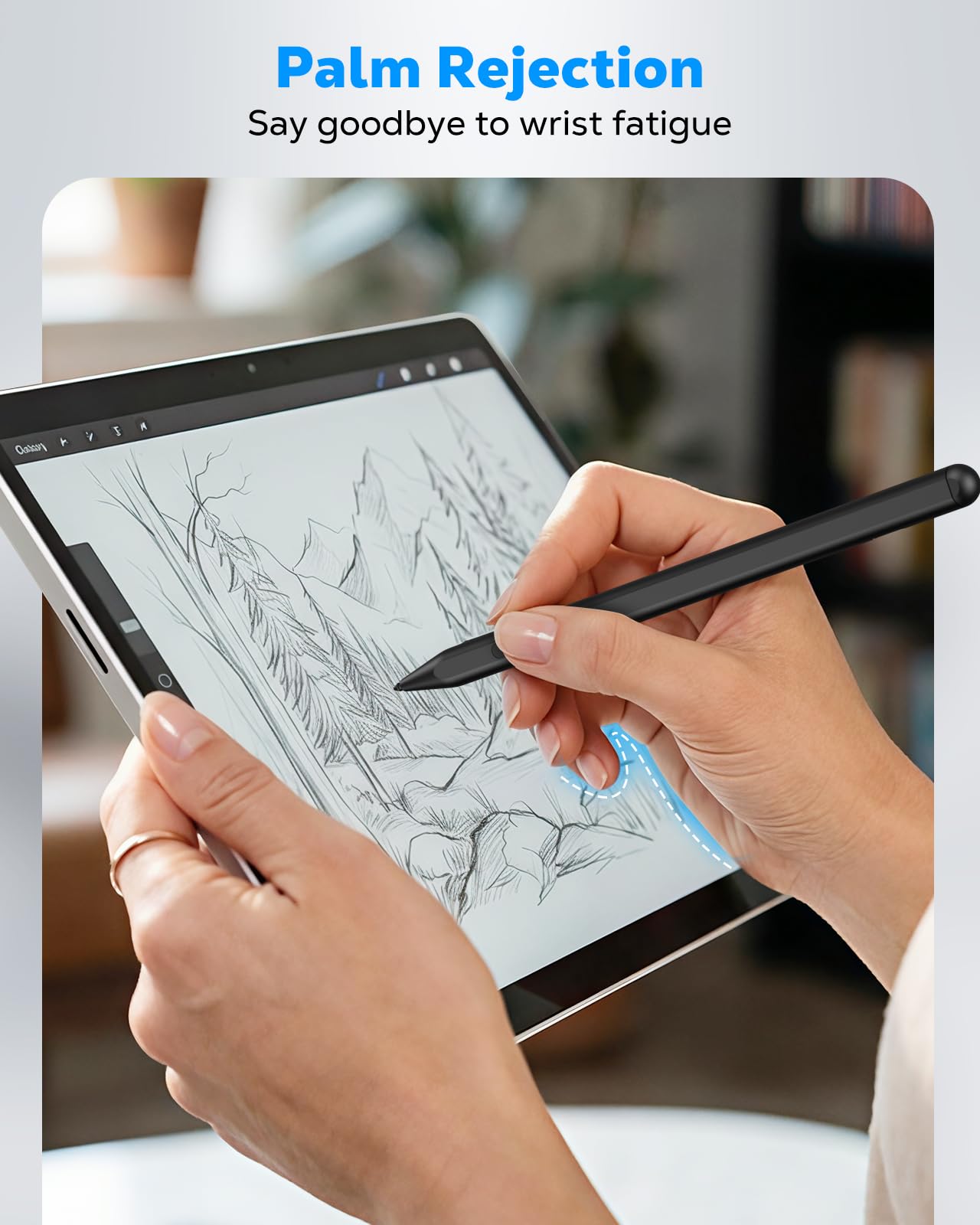
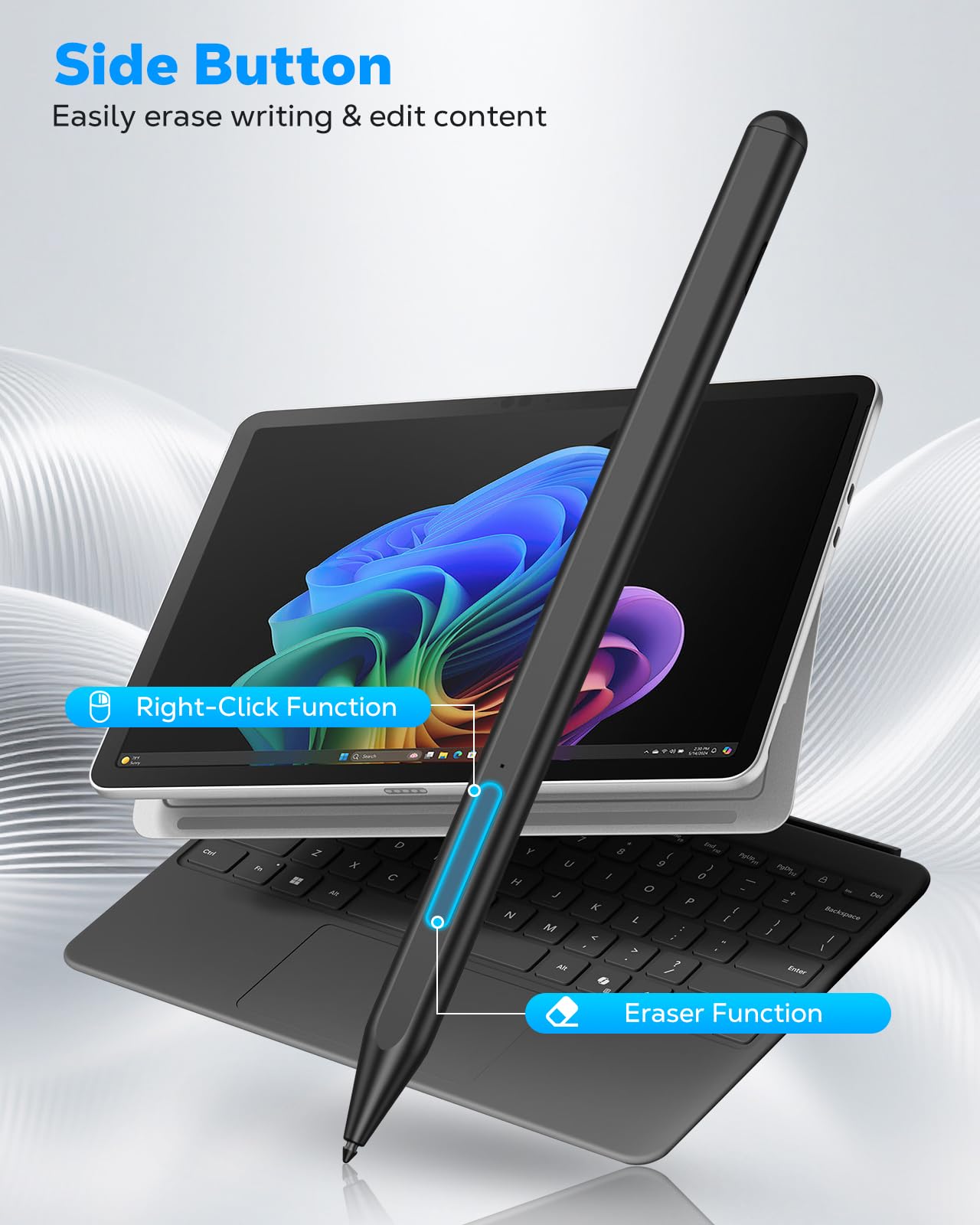
Palm Rejection & Eraser/Right-click Button: The Surface Pro pen features palm rejection, allowing you to rest your hand comfortably on the screen while writing without creating unwanted lines. This reduces hand fatigue during long sessions. Its side buttons include an eraser on the lower button for quick corrections, and a right-mouse-click function on the upper button to improve work efficiency
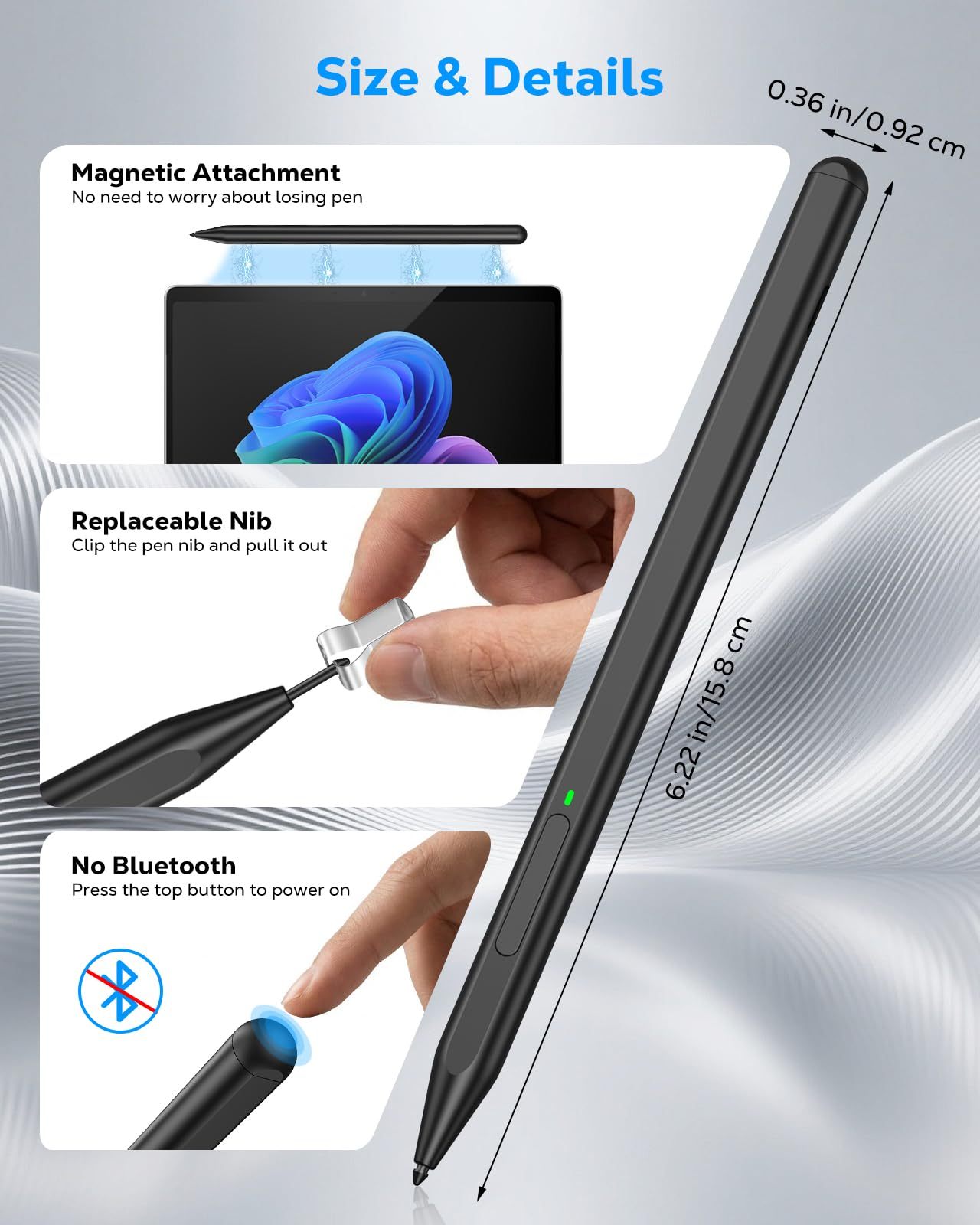
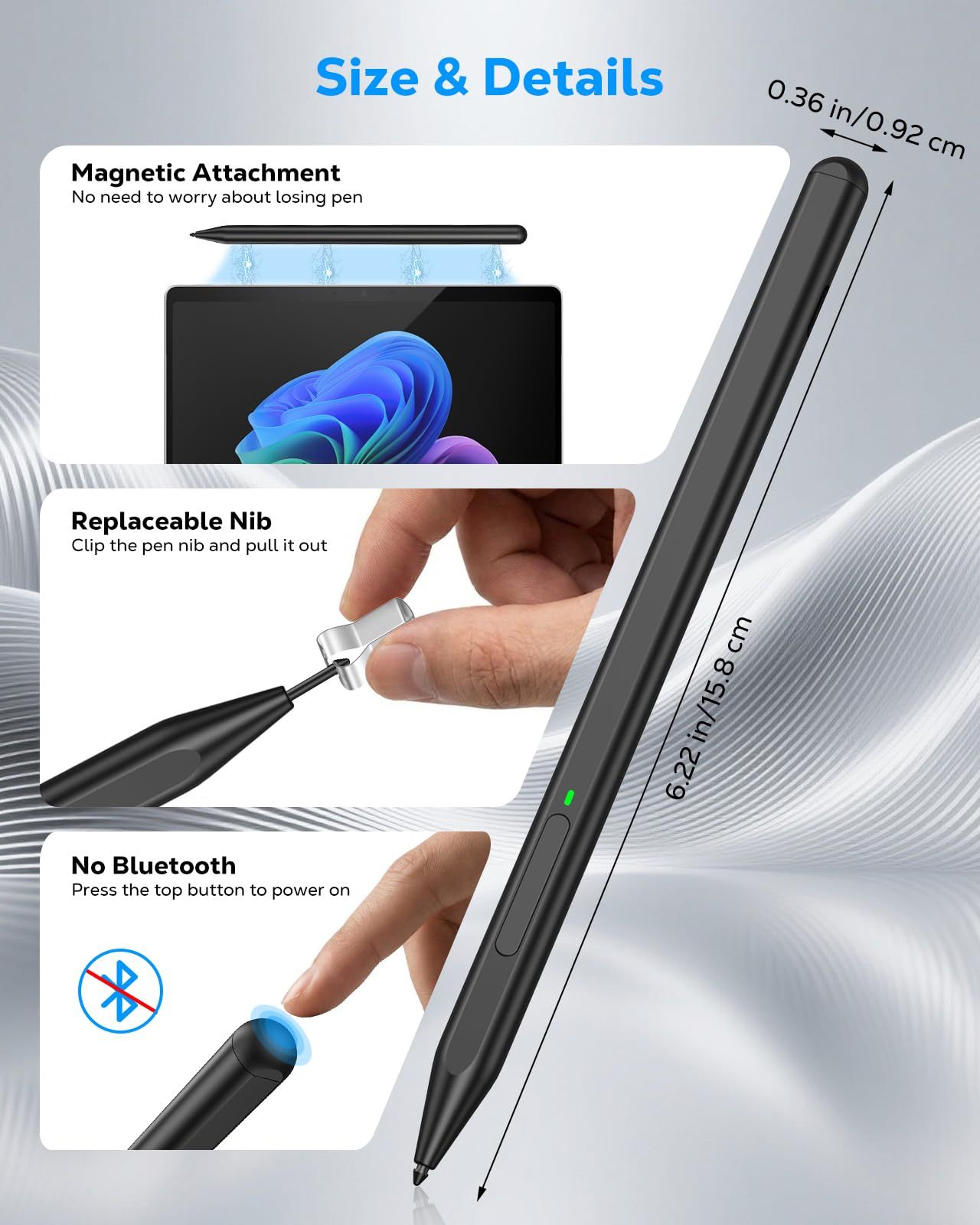
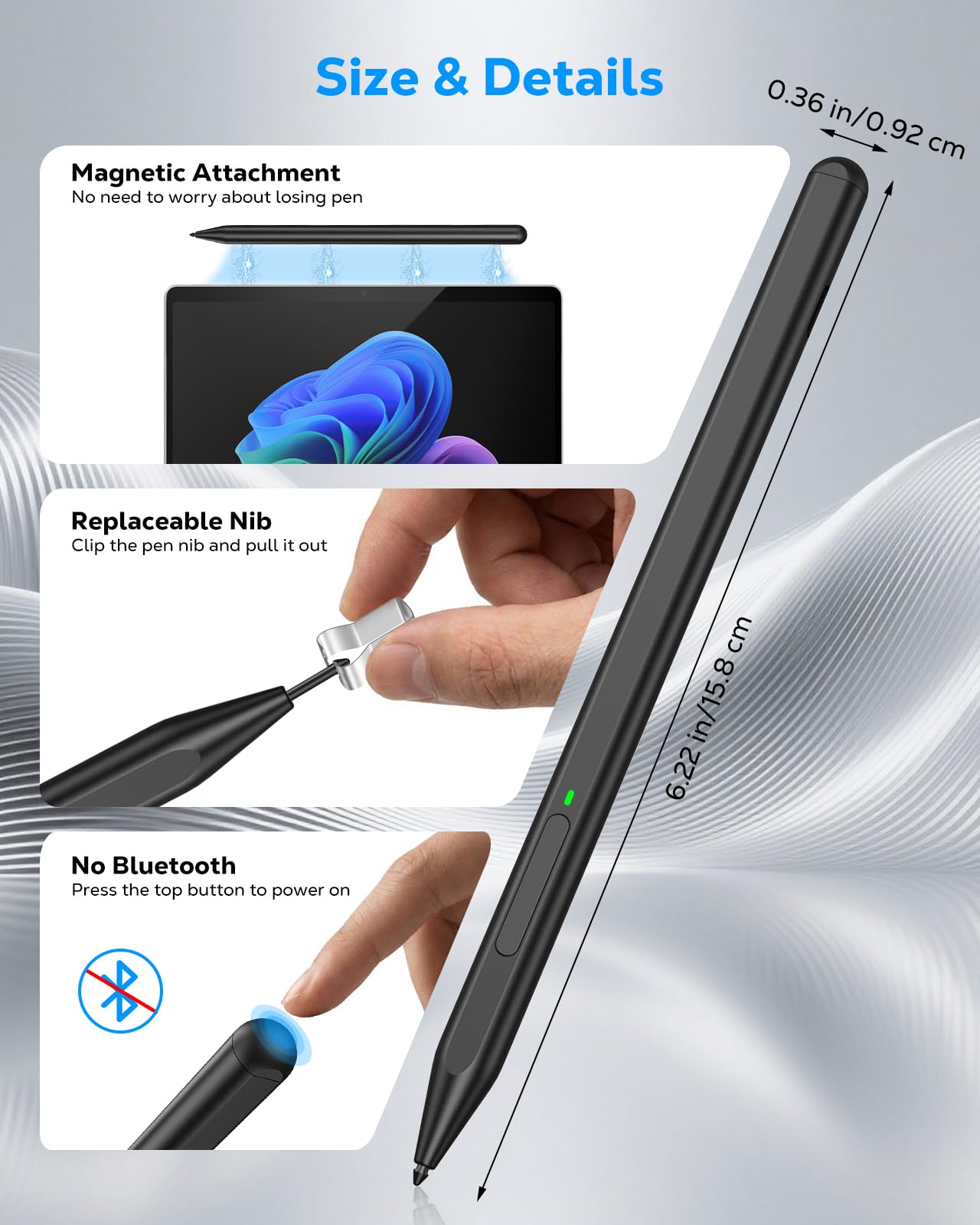
Smooth Writing & Magnetic Attachment: MoKo stylus for Microsoft Surface uses the MPP 1.51 protocol to achieve sub‑millimeter precision, delivering a smooth, lag‑free writing and drawing experience. It features a strong built‑in magnet that securely attaches to your Surface device, so it's always within reach and ready whenever inspiration strikes
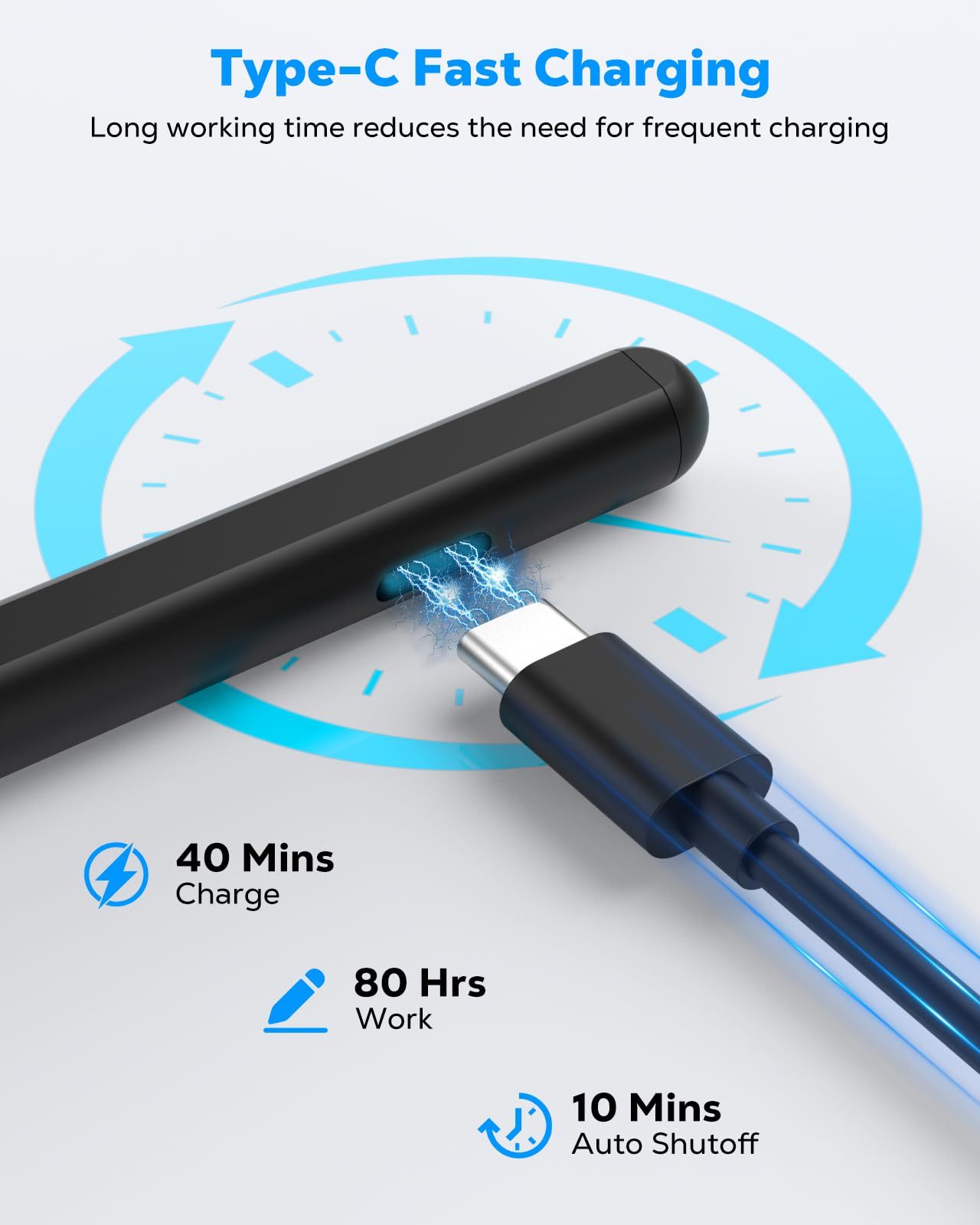
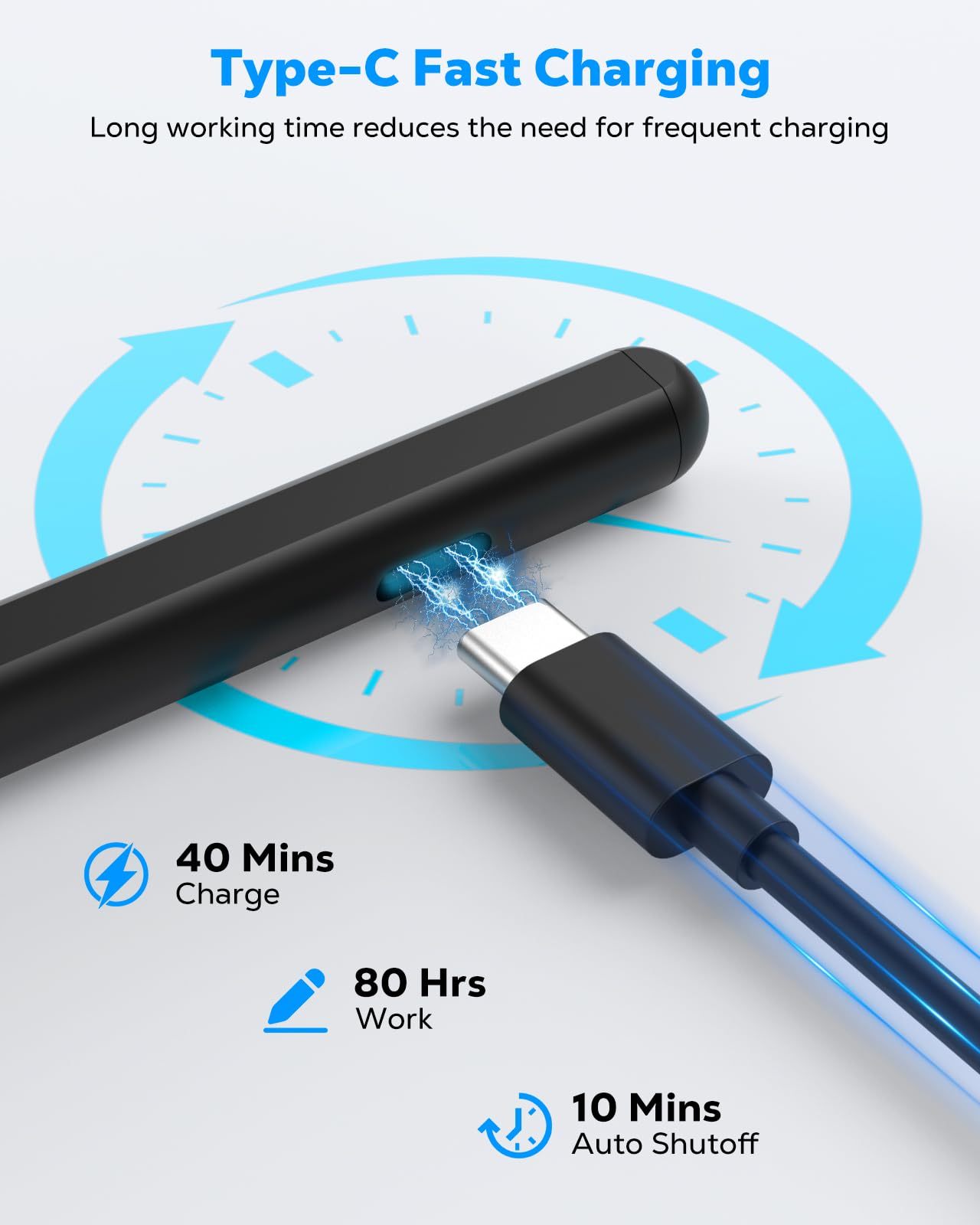
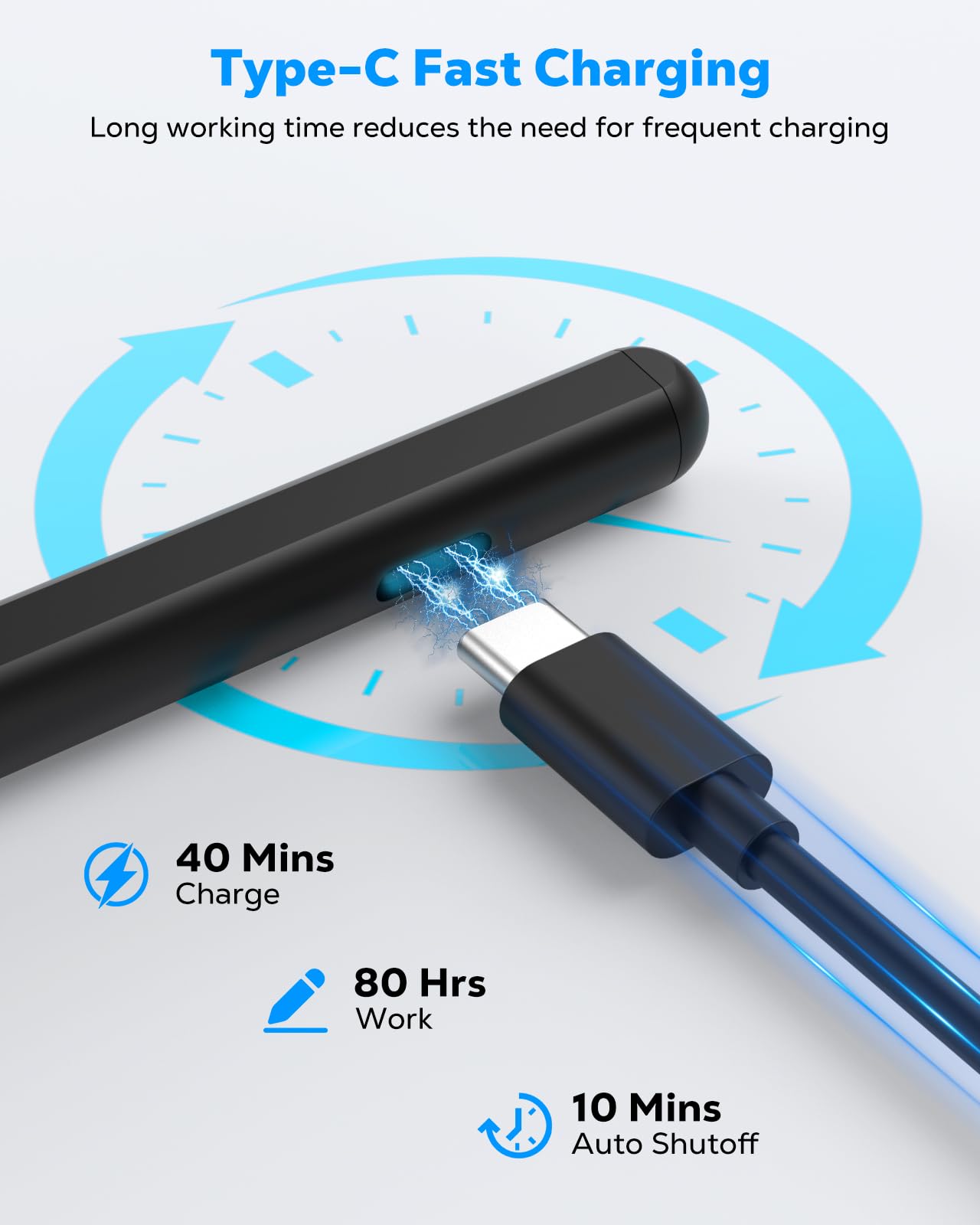
Type‑C Charging & No Bluetooth: The Microsoft Surface Pro stylus charges via a Type‑C cable and fully powers up in just 40 minutes, providing up to 80 hours of continuous use. It automatically turns off after 10 minutes of inactivity to save power and extend battery life. No Bluetooth pairing is required. Simply press the top button to start using it instantly